 Request Demo
Request Demo
Request Demo
Make your menu instantly accessible with a simple scan for customers, allowing your staff to prioritize delivering an unforgettable eating adventure with APIWAA's digital QR menu.
As your cuisines draw customers to your restaurant, café, hotel, or B&B, elevate their experience with the convenience of easy, contactless order placement with pictures that make the viewer hungry on just a glance. Physical menus often present challenges in this fast-paced era. Keeping them vibrant and clean can be difficult, while customers may experience delays waiting for menus to arrive. With our digital QR menu you can immerse in a world with,
They allow guests to order and pay directly from their devices, reducing errors and eliminating the need for waitstaff involvement.
With a captivating logo and theme for your brand , the menu barcode provides detailed descriptions, ingredient lists, nutritional information, and even video demonstrations of dishes. This helps customers make informed choices.
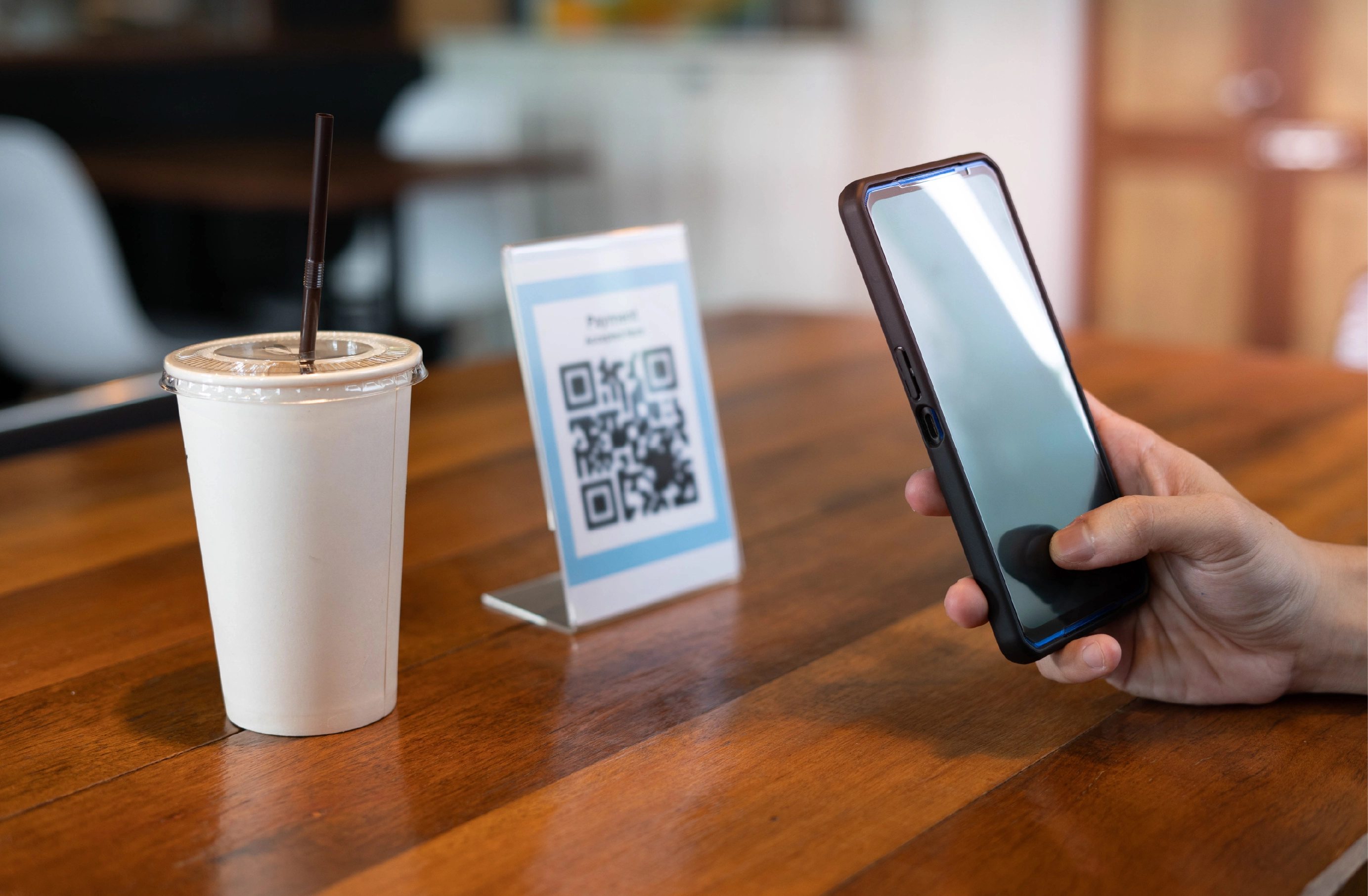
Food QR code is a hassle free way of ordering food by knowing the available real time offers and dishes. With hygiene at the forefront, guests can easily scan the barcode menu with their phones, avoiding physical contact.
They allow guests to order and pay directly from their devices, reducing errors and eliminating the need for waitstaff involvement.
Digital menu streamline delivery and takeout services. Customers can easily scan the QR code menu to place orders for pickup or delivery, ensuring a convenient experience similar to dining in.
Additionally, tracking popular items and customer behaviors helps refine your menu and personalize marketing strategies effectively.
Integrating social login with digital QR code systems enhances user experience and streamlines various processes.
QR menus used in event check-ins or table reservations, social login ensures a quick, hassle-free process.
Users can authenticate their identity and view or modify their reservations through linked social accounts.
After scanning a menu QR code for service feedback, users can log in via social accounts to leave reviews.
Reduces the risk of fake accounts or fraudulent transactions.
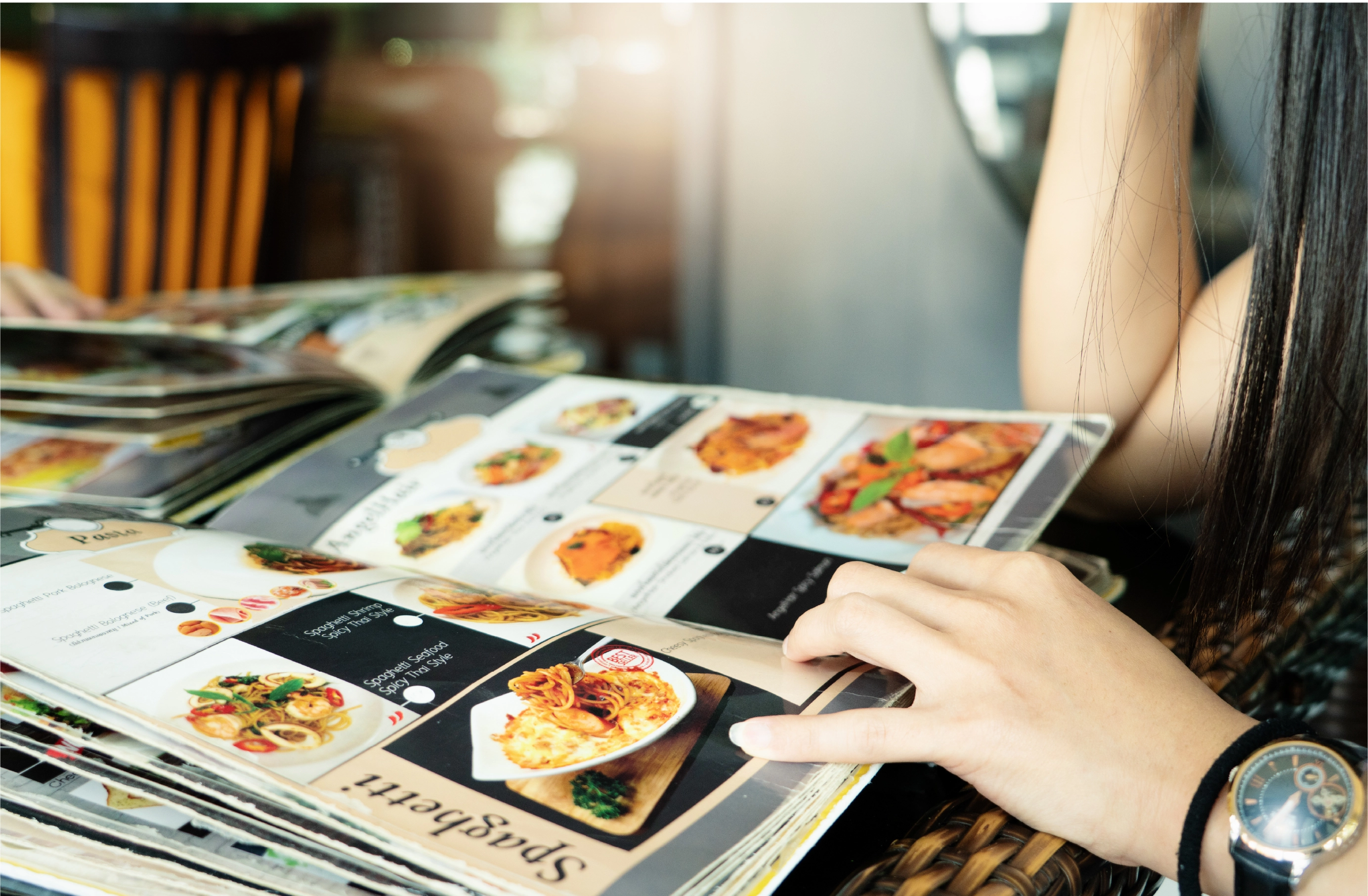
Time scheduling for menu items enables restaurants, cafés, and other dining venues to flexibly adjust their menus according to the time of day, the day of the week, or special events.
Establish specific time ranges for various menus (e.g., breakfast: 7 AM–11 AM, lunch: 11 AM–3 PM). Using digital menus, cafes, hotels, and restaurants can serve breakfast items until a designated cutoff time and smoothly transition to the lunch menu.
Link individual menu items or categories to their corresponding time slots. Show discounted drinks and appetizers during specific hours, then revert to the regular menu.
Use a digital restaurant menu to automatically update the menu in real time as time slots change. Notify customers of upcoming menu changes or time-sensitive deals directly through the QR menu.
Offer special items during holidays, weekends, or local events with preset schedules.
A digital menu offers a modern solution that can significantly enhance your brand by showcasing its unique identity. You can elevate the overall dining experience for your guests.
Your menu should reflect your restaurant’s brand identity. You can integrate your logo and use your brand's color palette throughout the digital menu to create a cohesive look that feels familiar to your customers.
Choose fonts that match the style of your brand. Use custom icons that align with your brand’s aesthetic.
Customize the menu layout and content to reflect changes based on the season, time of day, or special events. For instance, during holidays or festivals, you can create a special section for themed dishes.
As customers browse, they can choose their menu items and add customizations, such as requesting a dish to be prepared a certain way or choosing from available toppings.
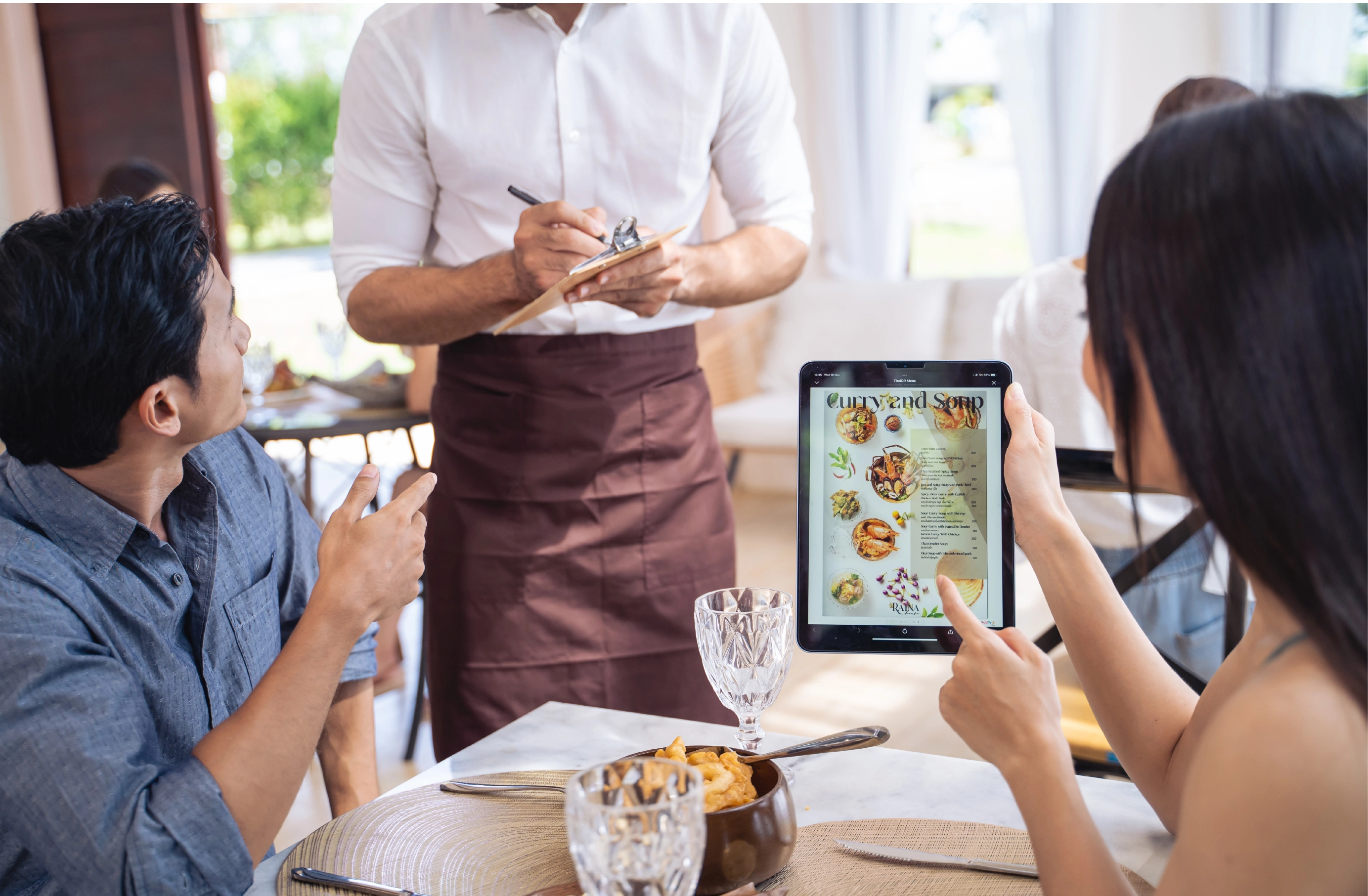
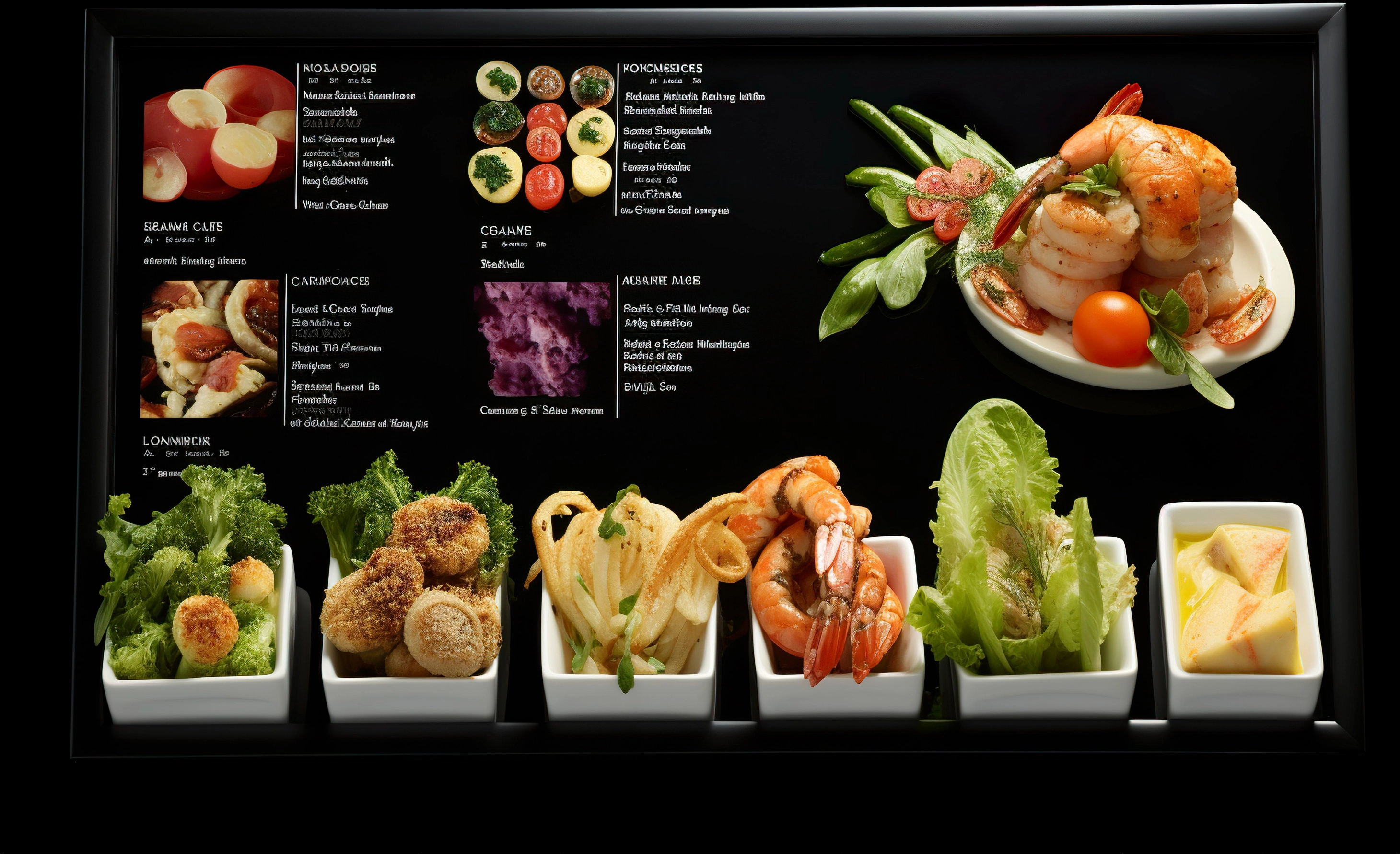
By giving a detailed description on the origin of your ingredients or the story behind the signature dishes with high quality images helps your customers connect deeply with the meals they savor.
High-quality, professional photos make your food look great. Use natural lighting or a studio setup to capture the colors, textures, and details that make your dishes stand out.
Try different angles—such as overhead shots, side views, or even action shots of chefs plating the dishes. Presenting food from various perspectives enhances its appeal and adds a sense of depth.
A quick video showcasing the ingredients, preparation, or cultural history of the dish can create a more immersive experience.
Stop-motion animations are a creative way to show food preparation, or even the “before and after” transformation of a dish. It’s a different, engaging way to bring your food to life and capture the attention of viewers.
Videos that capture sizzling sounds or close-ups of food being cooked or plated not only trigger a sensory experience but also evoke anticipation.
Say goodbye to paper forms and lengthy surveys with a menu barcode, streamlining feedback for a smoother dining experience.
Customers can easily rate their dishes, service, and overall experience right after their meal.
Customize prompts to focus on food quality, ambiance, or promotions.
Reward feedback with loyalty points or discounts to encourage repeat visits.
Invite customers to share their experiences on social media directly through the menu, boosting positive word-of-mouth and attracting new guests.
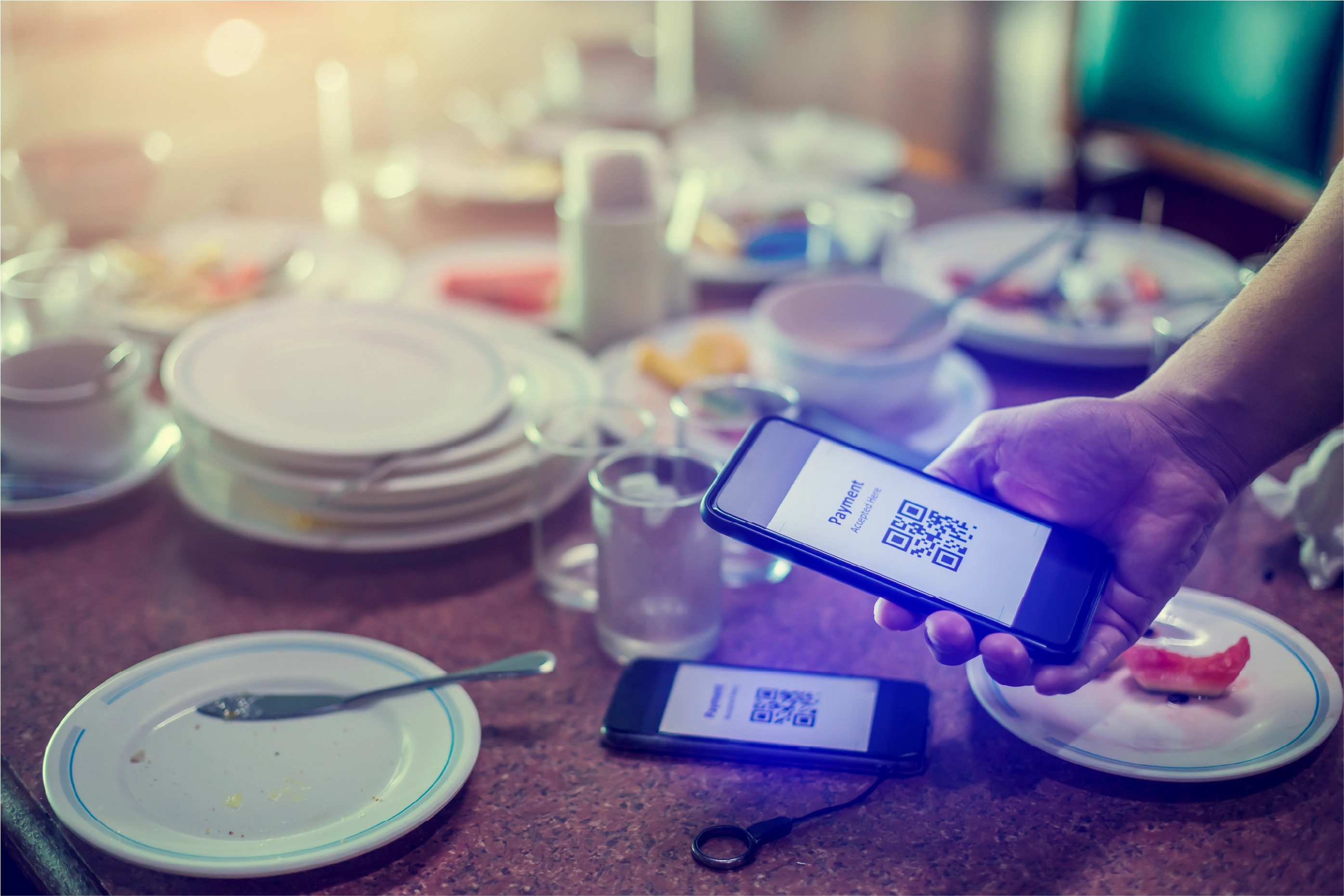
Digital menu offer a versatile way to engage customers
Inserting a menu barcode in a physical or digital menu can be utilized to show off your culinary styles through videos and reviews of the loyal customers.
By mounting posters on walls, windows or at the entrance, passers can get access to your menu and order for takeout or delivery.
Distributing flyers with QR menu at events, in the neighborhood, or inside your restaurant can promote specific dishes, promotions, or new arrivals, directing customers straight to your digital menu or ordering platform.
Placing food QR code stickers on tables, countertops, or even on food packaging allows customers to quickly scan and place orders using a phone without needing to ask for help.
Digital menu on your business cards that links to your digital menu provides potential customers with easy access to your services whenever they need it.
Updates the menu in real-time with new dishes and offers.
Collects data on customer preference so you can adjust inventory, plan marketing strategy or customize menu based on customer demand.
Easily promote special item, discounts or providing rewards
Make your orders go directly to kitchen through digital menu to speed up services
Eliminates the need for wait staff to take orders manually to make them focus on providing a great dining journey.


 Print Codes on Anything Easily
Whether on menus, posters, flyers, table tents, or business cards, APIWAA’S digital QR menu makes every order and payment most convenient for your customers, enhancing accessibility and engagement.

 Simplify Menu Updates
APIWAA's digital menu software can modify your menu in real time without the need to reprint materials. Changes to pricing, specials, or seasonal dishes are instantly reflected.

 Easy to Change Links
APIWAA’s barcode menu allows customers to redirect customers to a new seasonal menu, limited-time promotions, or special offers, you can change the link behind the QR code without needing to reprint it, providing maximum flexibility and convenience for your restaurant.
A contactless menu solution that allows customers to access, browse, and order from your menu by scanning a QR code.

 Smoothly? Let’s Chat!
If you’re tired of tech headaches and ready to sail into calmer waters, APIWAA is here to help. Let us show you how our IT Services and Solutions can transform your business, turning obstacles into opportunities and making your journey a whole lot more fun. Reach out to us today, and let’s start creating your custom solution!
 Free images for
lifetimeGet details on any
topicQuick advisor to help
you15+ category to
explore
Free images for
lifetimeGet details on any
topicQuick advisor to help
you15+ category to
explore